
Q Tech Empire
1 / 25
Q Tech Empire at Plaza Low Yat
Location: 3rd Floor, Sungai Wang Plaza, Jln Bukit Bintang, Bukit Bintang, 55100 Kuala Lumpur, Federal Territory of Kuala Lumpur, Malaysia
Floor 4 · Plaza Low Yat
Q Tech Empire is a retail outlet at Floor 4 · Plaza Low Yat, offering a thoughtfully selected range of products for discerning shoppers. The store caters to customers looking for quality and variety.
+60 17-401 2003
3rd Floor, Sungai Wang Plaza, Jln Bukit Bintang, Bukit Bintang, 55100 Kuala Lumpur, Federal Territory of Kuala Lumpur, Malaysia
Floor 4 · Plaza Low Yat
Operating Hours
Open Now
Closes at 8 pm (in 3h 52m)
Monday (Today)
11:30 am–8 pm Tuesday
11:30 am–8 pm Wednesday
11:30 am–8 pm Thursday
11 am–8 pm Friday
11 am–8 pm Saturday
11 am–8 pm Sunday
Closed Overall Rating
5.0 / 5
Based on 48 Google reviews
Negative Reviews
No negative reviews yet.
Positive Reviews
No positive reviews yet.
No reviews yet. Be the first to share your experience!
Write a Review
Photo Gallery
Q Tech Empire
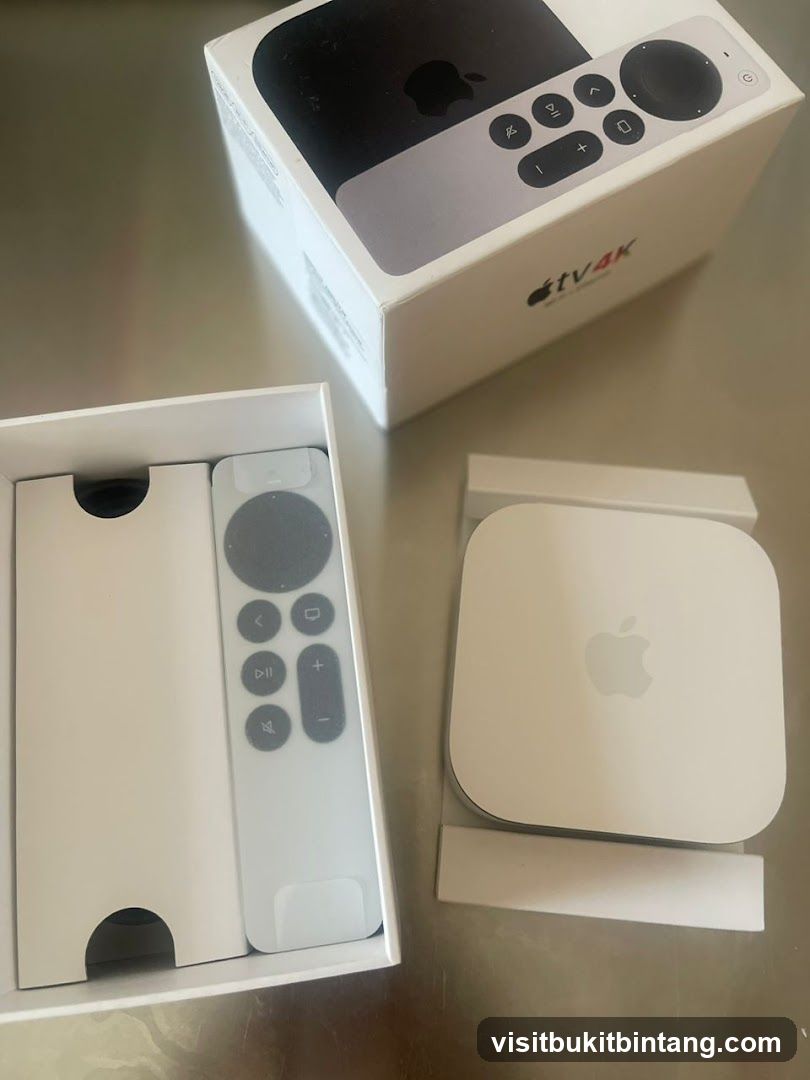
Apple TV 4K and Remote
An Apple TV 4K device and its remote control are displayed in their packaging. The box for the Apple TV 4K is open, revealing the device and remote. The Apple TV 4K is a small, white square device with the Apple logo on top. The remote is white and has several buttons, including a touch-sensitive clickpad. The packaging also includes a white insert for the remote.
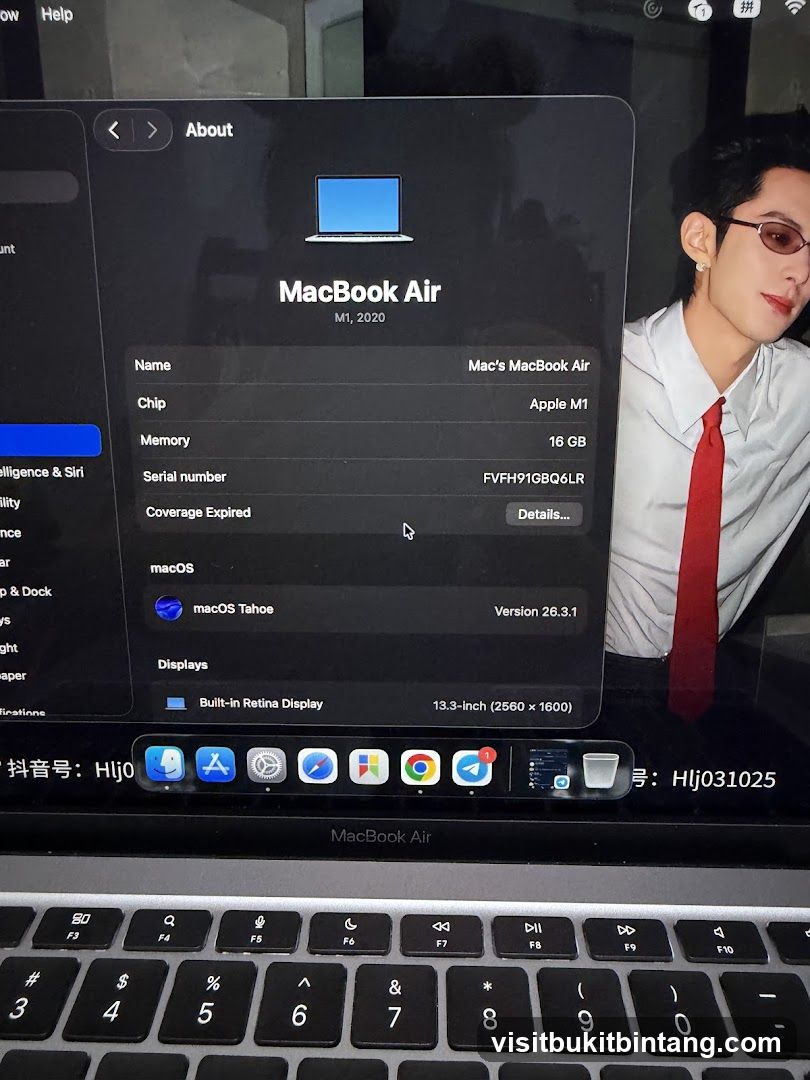
MacBook Air About Screen
A screenshot of a MacBook Air's 'About' screen showing system information, including the model (MacBook Air M1, 2020), chip (Apple M1), memory (16 GB), serial number, macOS version (macOS Tahoe 26.3.1), and display details (Built-in Retina Display, 13.3-inch). The dock with various app icons is visible at the bottom of the screen. A person is partially visible on the right side of the image.
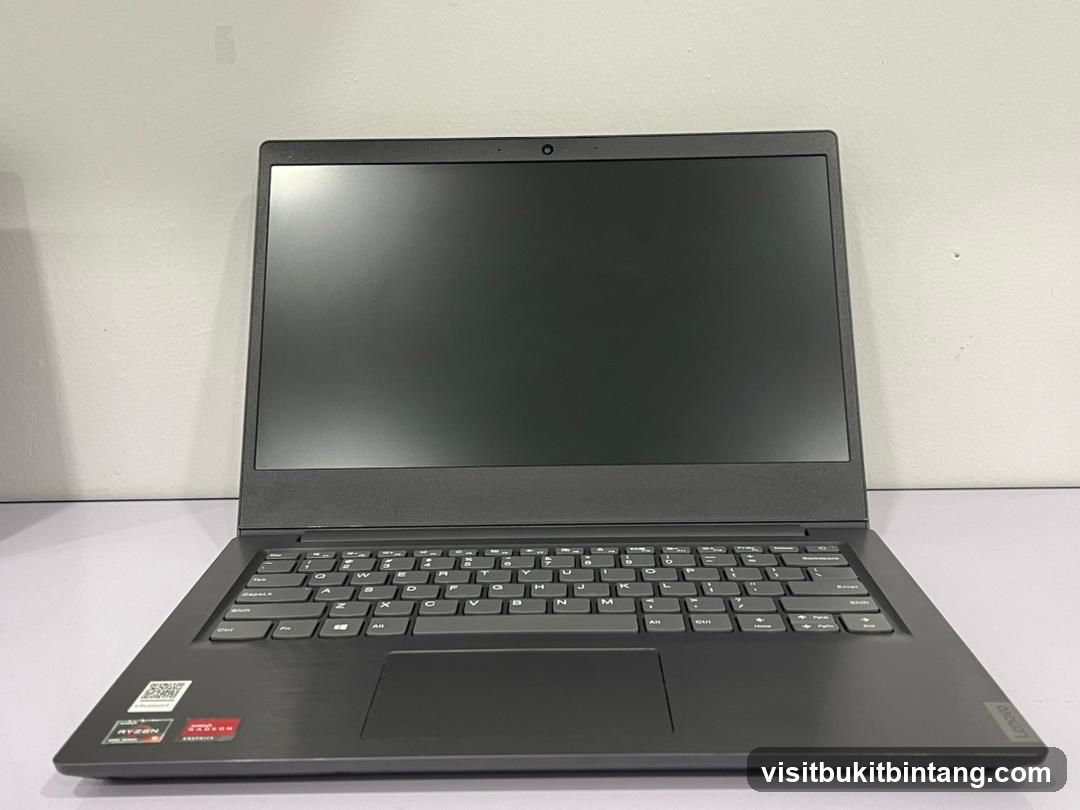
Laptop
A dark gray laptop is shown from the front, open and resting on a white surface. The screen is dark, and the keyboard is visible. There are stickers on the lower left side of the laptop, including one that says 'RYZEN' and another with a red logo. The brand name 'Lenovo' is visible on the right side of the laptop's base.
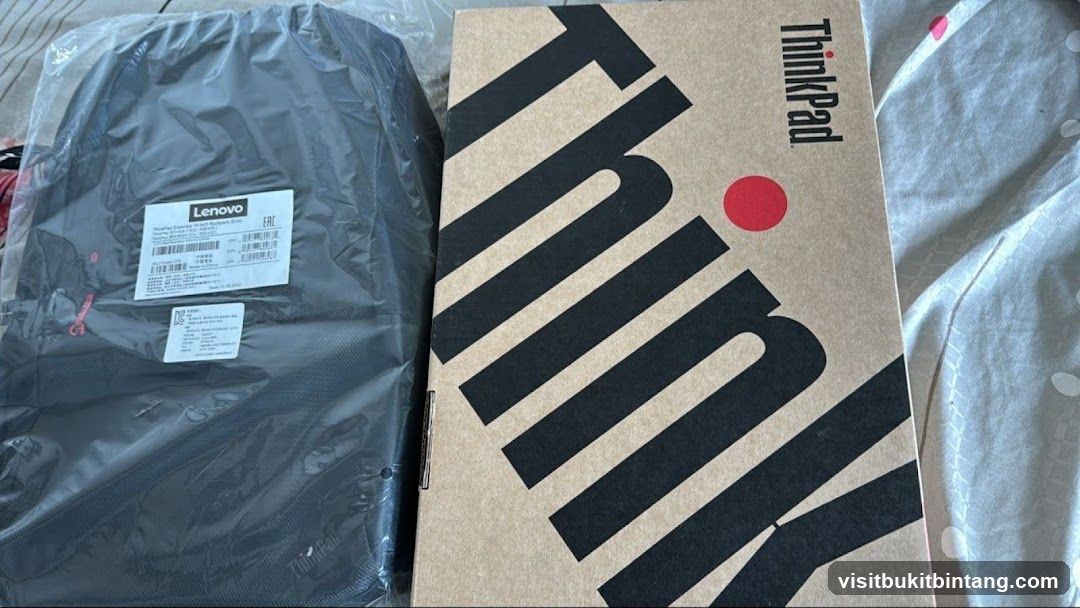
Lenovo ThinkPad Backpack and Laptop Box
A black Lenovo ThinkPad backpack in plastic packaging is shown next to a cardboard box with the ThinkPad logo. The backpack has labels with product information. The box has large black diagonal stripes and the word "ThinkPad" printed vertically.
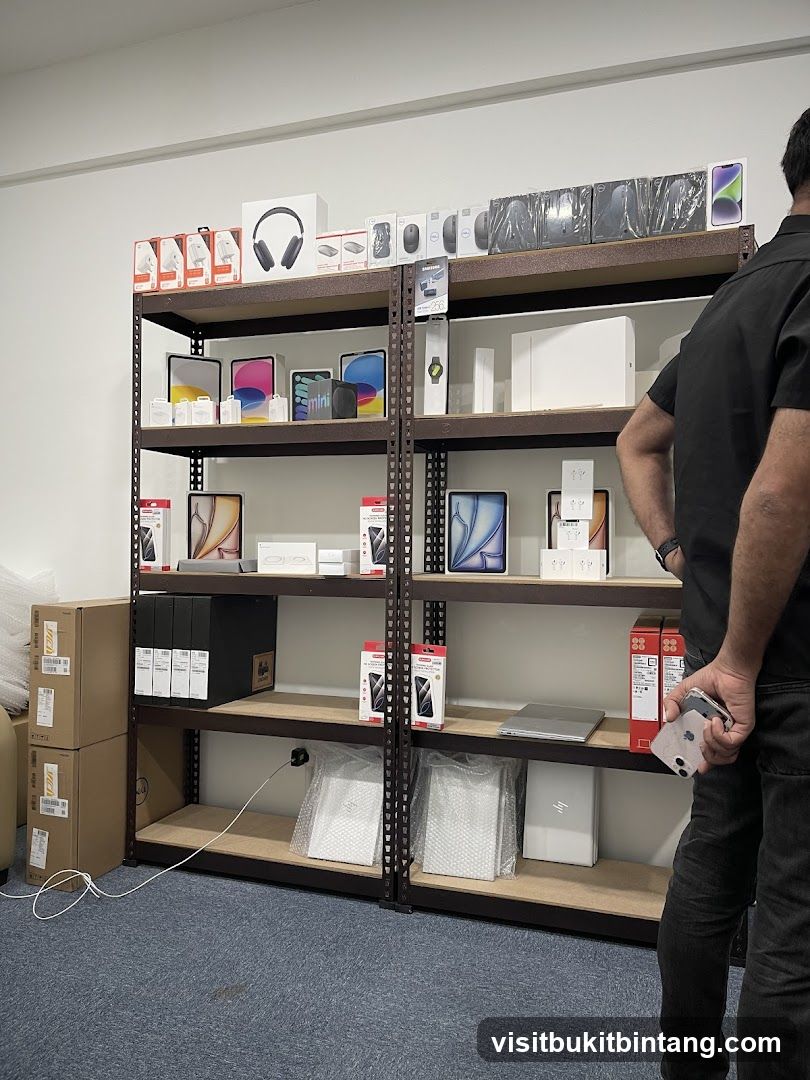
Electronics Store Display
Shelving units are filled with various electronic devices and accessories, including tablets, headphones, mice, laptops, and boxed items. A person is standing to the right, holding a smartphone. Boxes are stacked to the left.
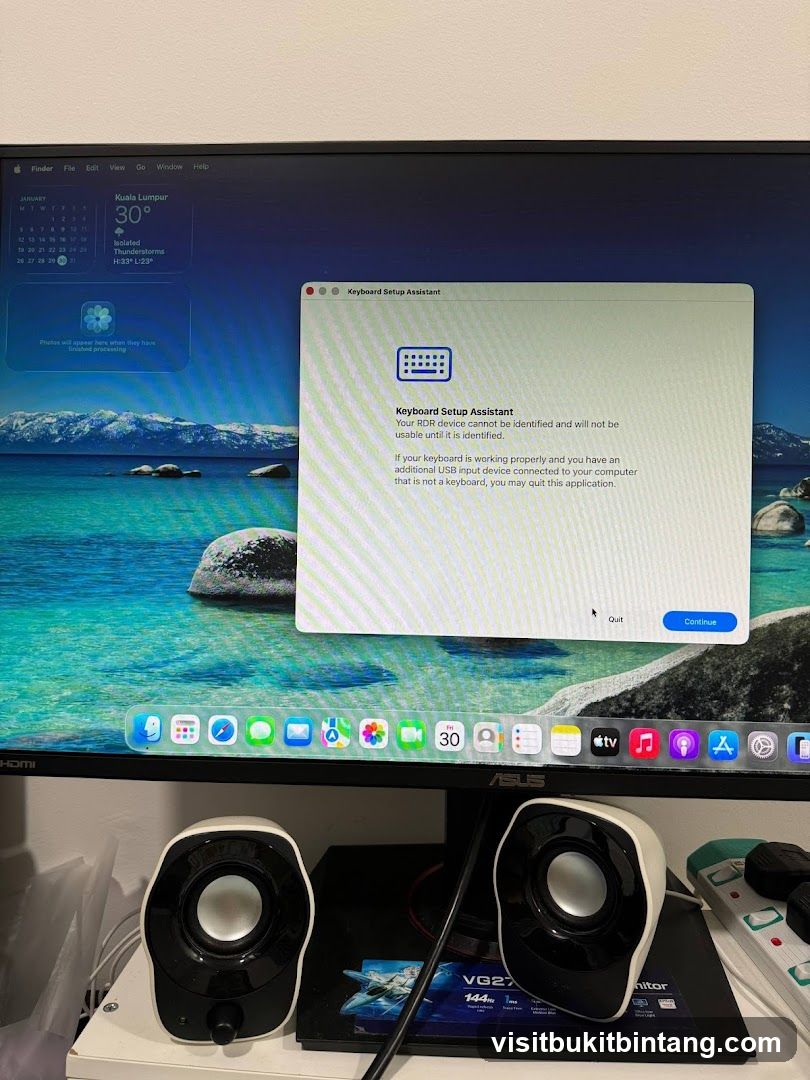
Keyboard Setup Assistant
A computer monitor displays the "Keyboard Setup Assistant" application. The assistant indicates that an RDR device cannot be identified and will not be usable until it is identified. It suggests that if the keyboard is working properly and another USB input device is connected, the user may quit the application. The desktop background shows a scenic view of a lake and mountains. The dock at the bottom of the screen shows various application icons. Two small speakers are visible in front of the monitor.
QTech Empire Logo
The image displays the logo for QTech Empire, a computer and electronics marketplace. The logo features the stylized letters 'QTE' in a gradient of blue and red, with a curved line underneath. Below this, the text 'Q TECH EMPIRE' is written. A red, rounded shape is positioned below the text, and the bottom of the image contains the words 'Computer & Electronics Marketplace' in white text on a dark blue background.
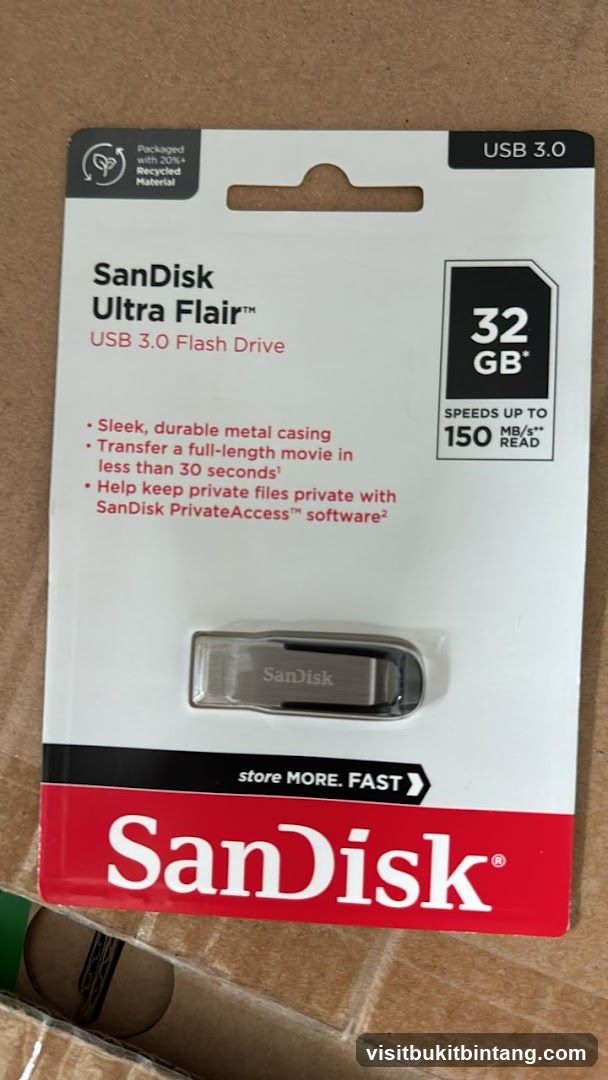
SanDisk Ultra Flair USB 3.0 Flash Drive Packaging
The image shows the retail packaging for a SanDisk Ultra Flair USB 3.0 Flash Drive. The packaging highlights key features such as its sleek metal casing, fast transfer speeds (up to 150 MB/s read), and the inclusion of SanDisk PrivateAccess software. The drive has a capacity of 32 GB. The packaging also indicates it is made with 20% recycled material.
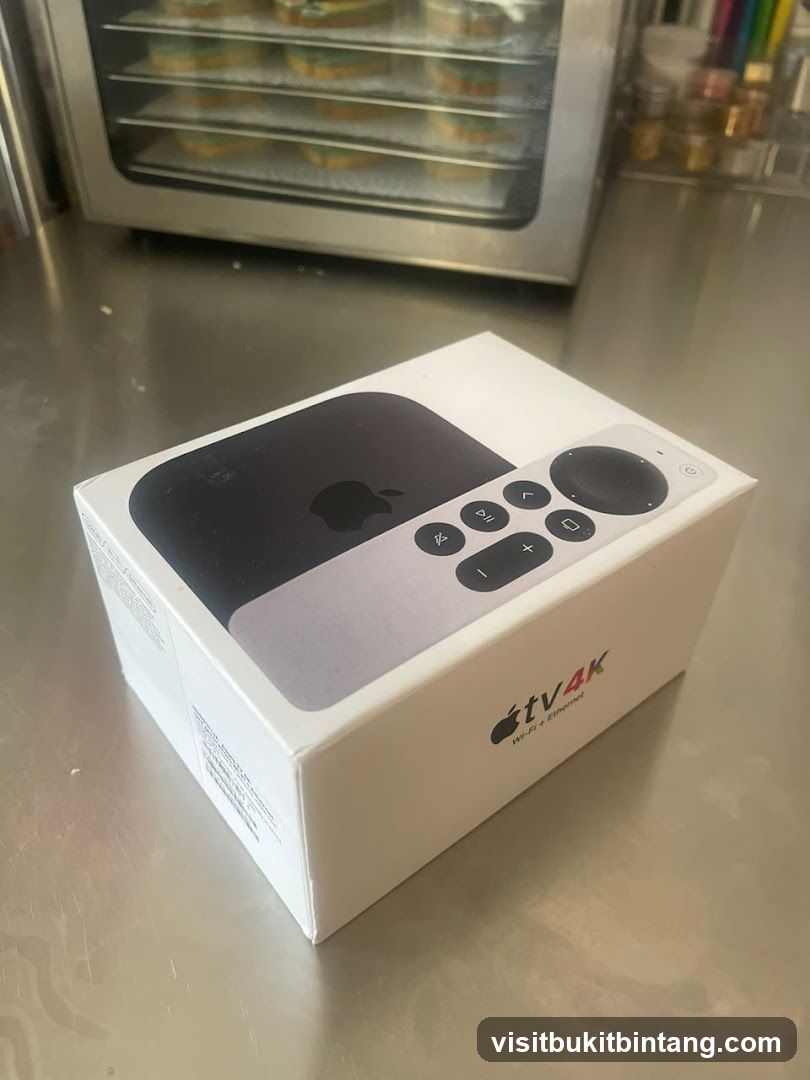
Apple TV 4K Box
A box for an Apple TV 4K device is shown on a metallic surface. The box is white with the Apple logo and "tv 4K" branding. A remote control is visible on top of the box. In the background, a rack of food items, possibly cookies, is inside an appliance.
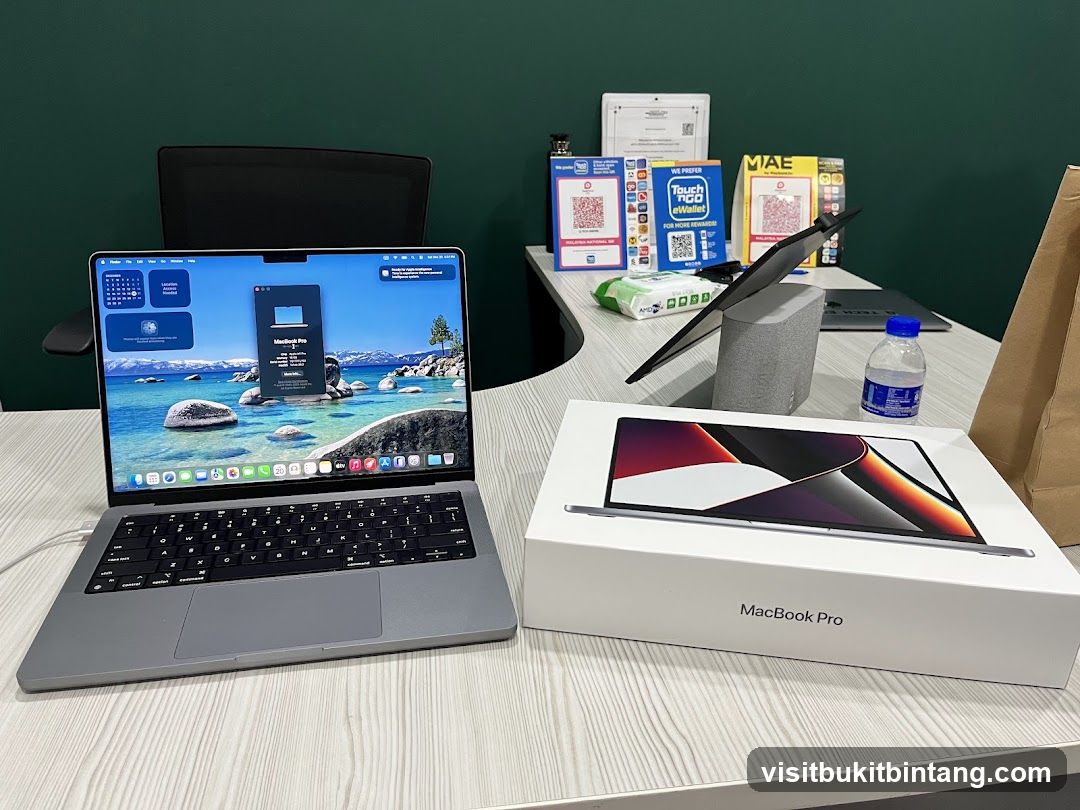
MacBook Pro Setup
A MacBook Pro laptop is open on a desk, displaying a scenic wallpaper and system information. Next to it is the MacBook Pro box, also showing a laptop image. Various QR codes, payment app logos, and a bottle of water are visible on the desk in the background.
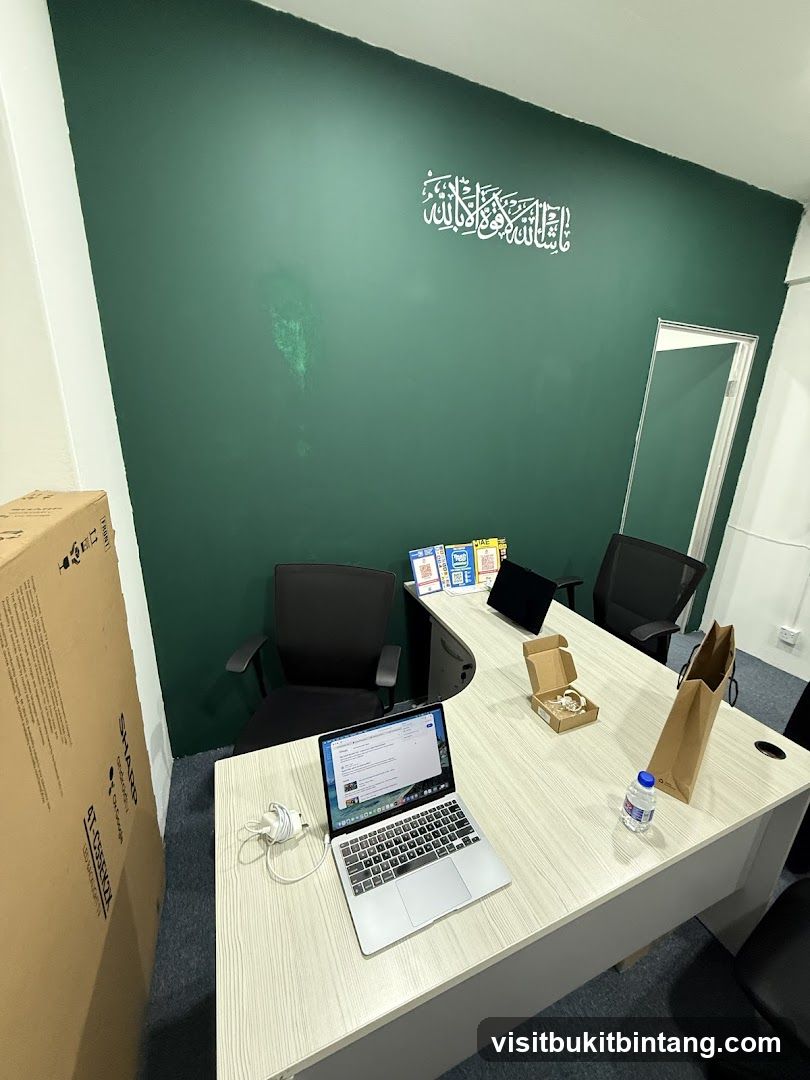
Office Desk with Laptops and Boxes
An office desk with two laptops, a bottle of water, a paper bag, and a small cardboard box. A large cardboard box is leaning against the wall on the left. The wall is painted dark green and has white Arabic calligraphy on it. There are two office chairs visible.
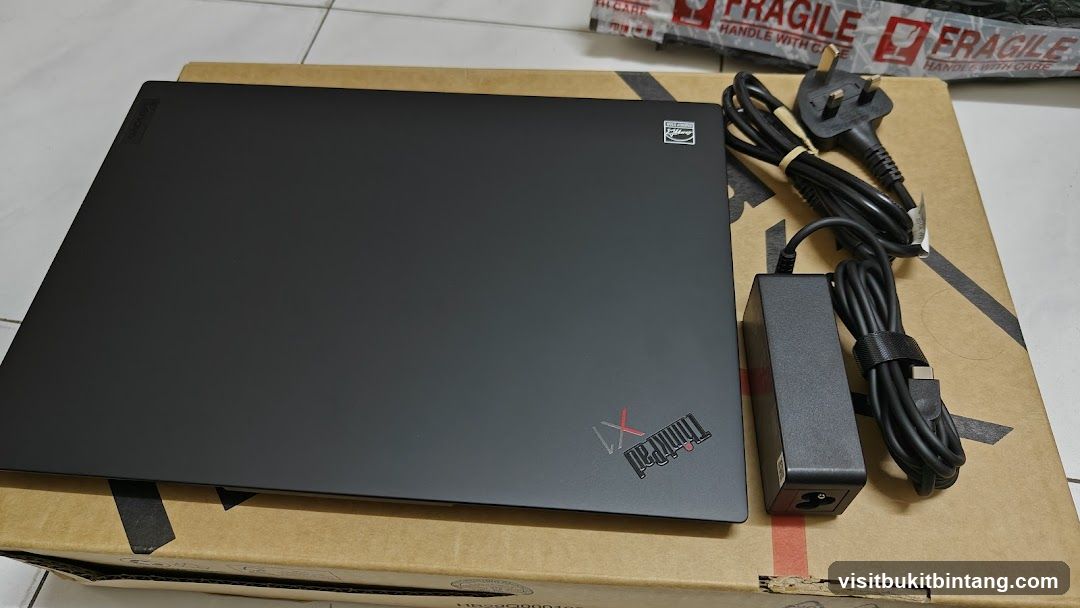
Lenovo ThinkPad X1 Laptop with Accessories
A black Lenovo ThinkPad X1 laptop is placed on a cardboard box. Next to the laptop is its power adapter and a power cord with a UK plug. The laptop has a Lenovo logo in the top left corner and a ThinkPad X1 logo in the bottom right. There is also an Energy Star logo on the lid. The cardboard box has "FRAGILE HANDLE WITH CARE" printed on it in red and black.
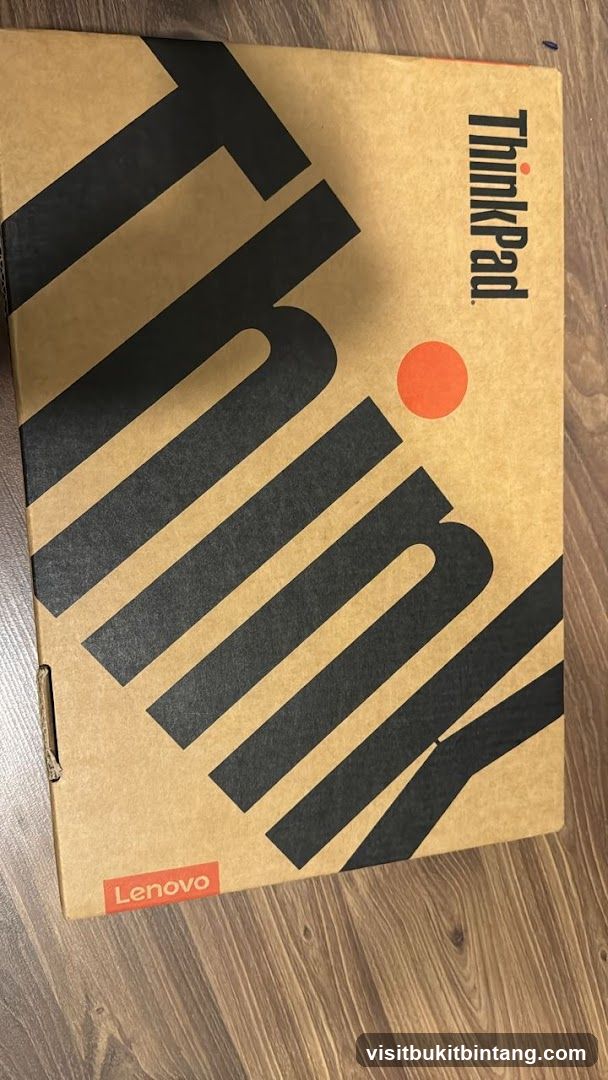
Lenovo ThinkPad Box
A cardboard box with the Lenovo and ThinkPad logos. The box has a minimalist design with large black lettering and an orange dot.
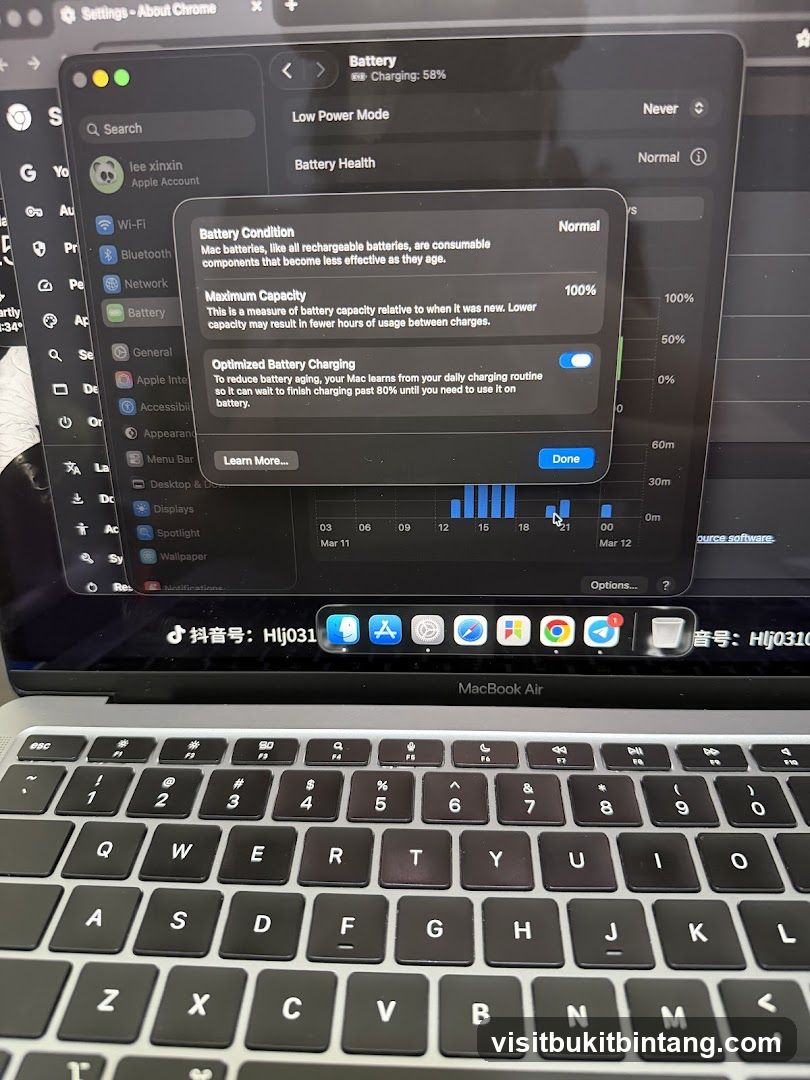
MacBook Air Battery Settings
A screenshot of a MacBook Air's battery settings menu, showing battery condition, maximum capacity, and optimized battery charging options. The battery is currently at 58% charge. A graph of battery usage over time is also visible.
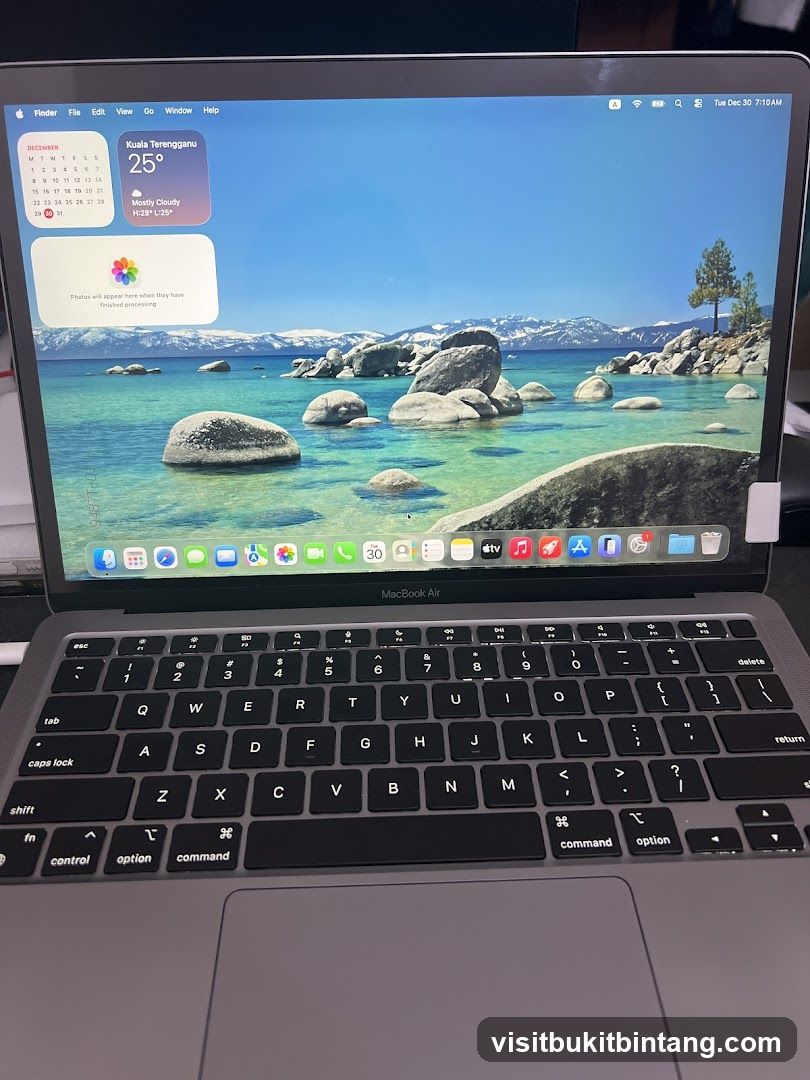
MacBook Air with Desktop Wallpaper
A MacBook Air laptop is shown with its screen displaying a desktop wallpaper of a scenic lake with rocky shores and snow-capped mountains. The operating system's dock and menu bar are visible, along with widgets showing the date, time, and weather for Kuala Terengganu. The keyboard and trackpad are also visible.
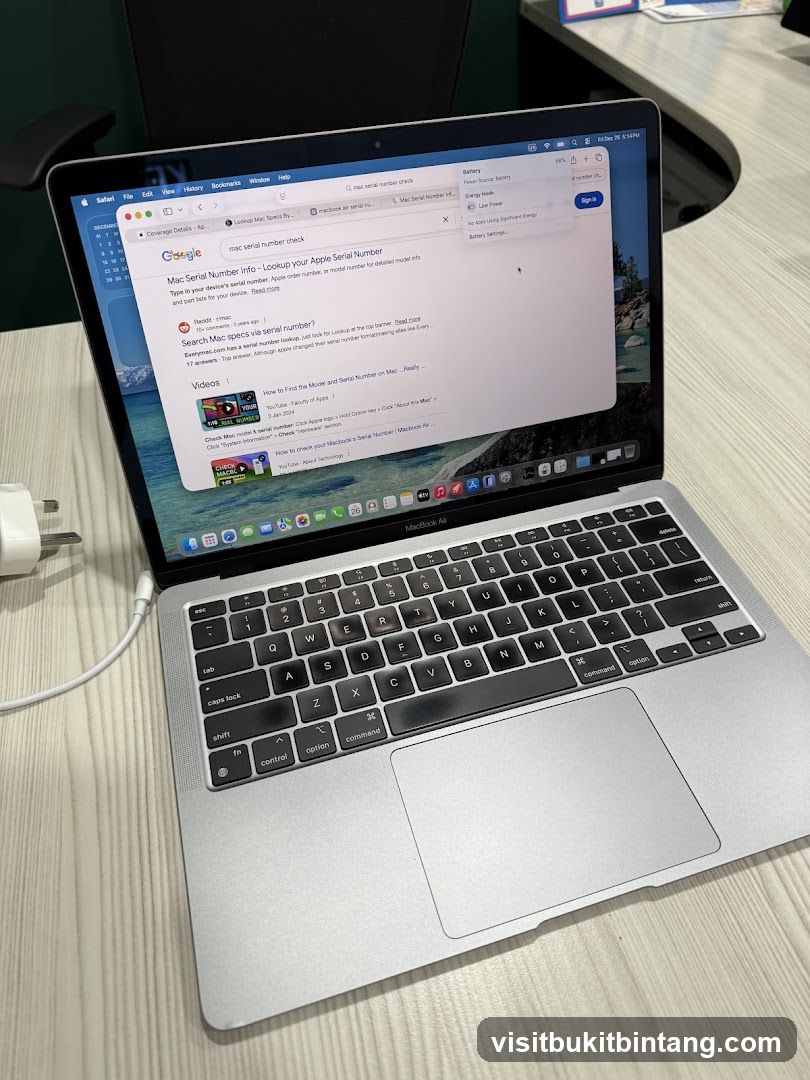
MacBook Air with Google Search
A MacBook Air laptop is open, displaying a Google search results page for "mac serial number check." The search results include a link to "Mac Serial Number info - Lookup your Apple Serial Number" and several YouTube video results. The battery status shows 89% and "Power Source: Battery."
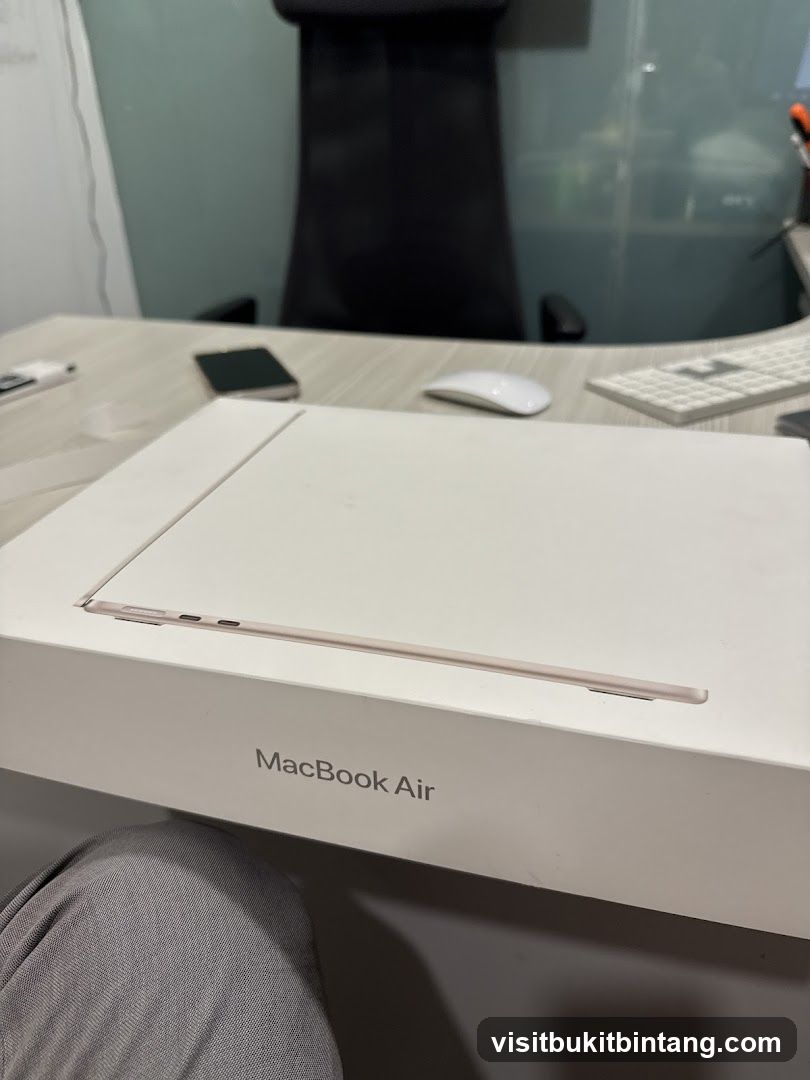
MacBook Air Box
A MacBook Air laptop is placed on top of its box on a desk. A smartphone, mouse, and keyboard are also visible on the desk. A chair is in the background.
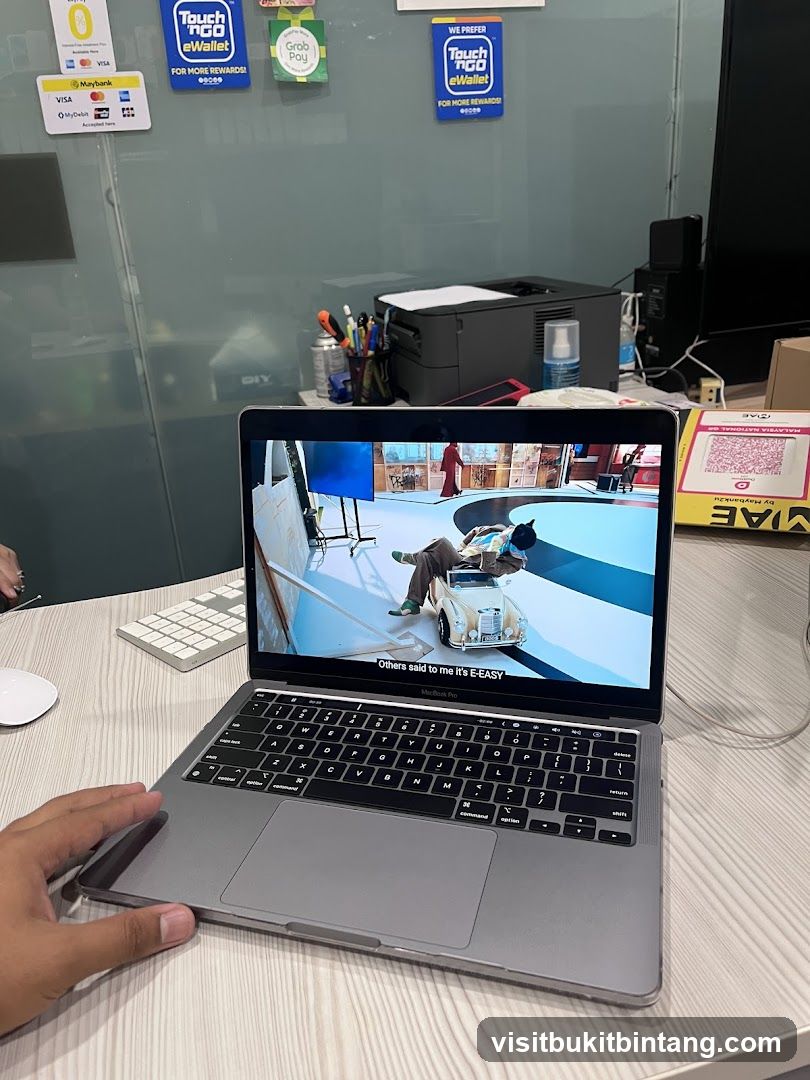
Office Desk with Laptop
A laptop is open on a desk, displaying a video. The screen shows a person in a suit sitting in a toy car. Text on the screen reads "Others said to me it's E-EASY". Behind the laptop, a printer and office supplies are visible. Several payment method stickers, including Maybank, Visa, Touch 'n Go eWallet, and GrabPay, are affixed to a glass partition in the background.
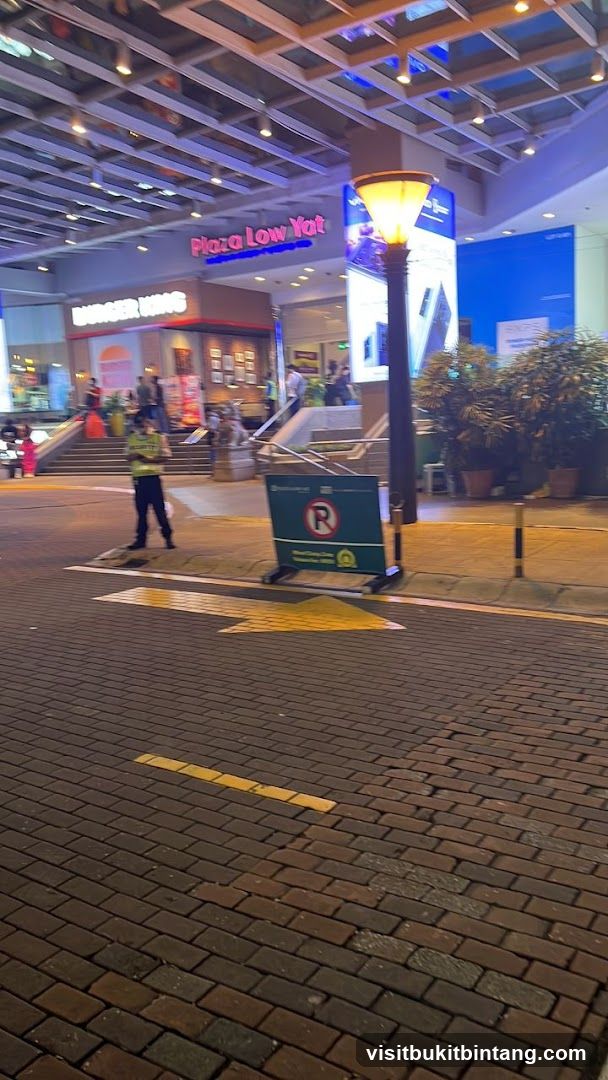
Plaza Low Yat Entrance
A view of the entrance to Plaza Low Yat, a shopping mall. The sign for "Plaza Low Yat" is visible in pink neon letters. Below it, a Burger King restaurant sign is visible. A security guard stands near a parking sign. The area is paved with brickwork and illuminated by streetlights and building lights.
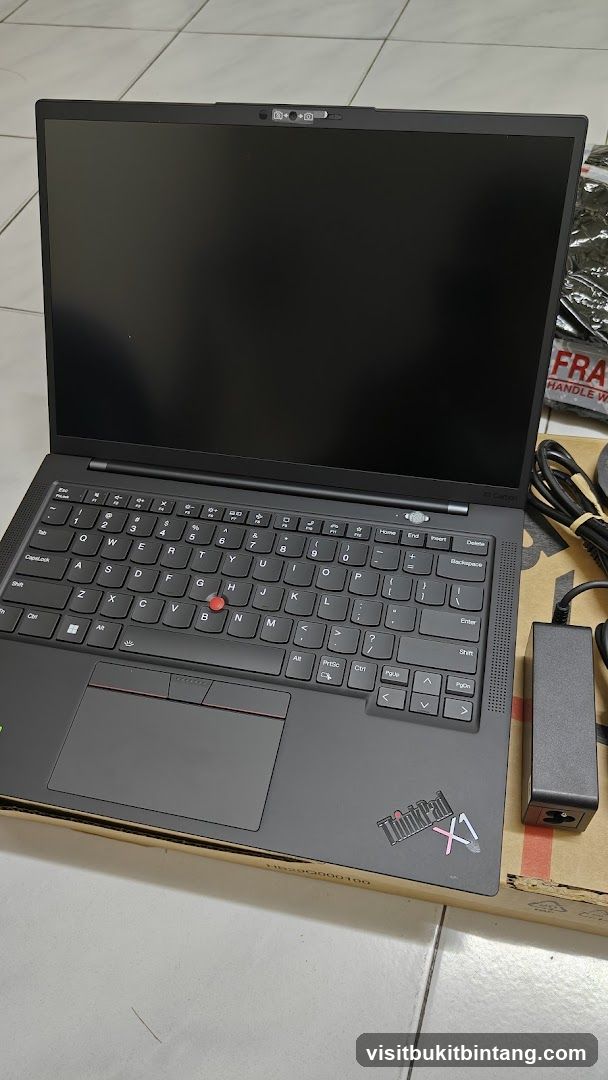
Laptop
A black Lenovo ThinkPad X1 laptop is shown open with its screen facing upwards. The keyboard and trackpad are visible. A power adapter and its cable are placed to the right of the laptop. The laptop is resting on a cardboard box.
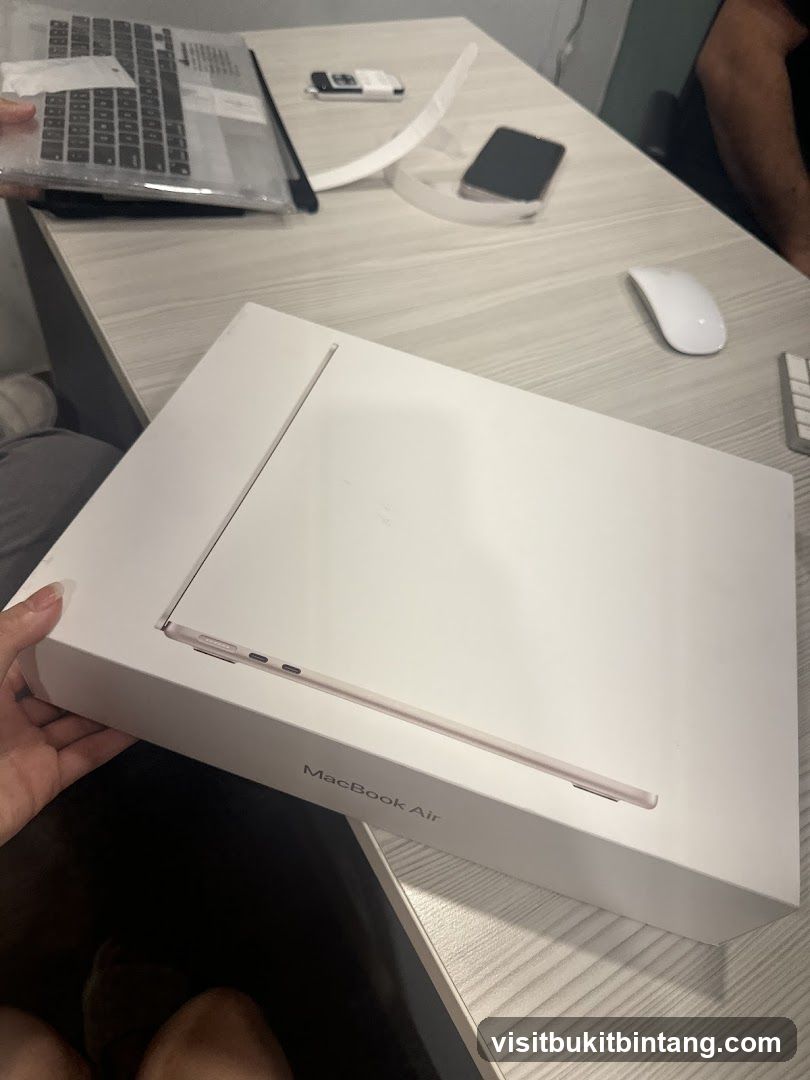
MacBook Air Box
A person is holding a white box with the words "MacBook Air" printed on it. The box appears to be for a laptop. On the table behind the box, there is a laptop with a keyboard cover, a smartphone, and a computer mouse.
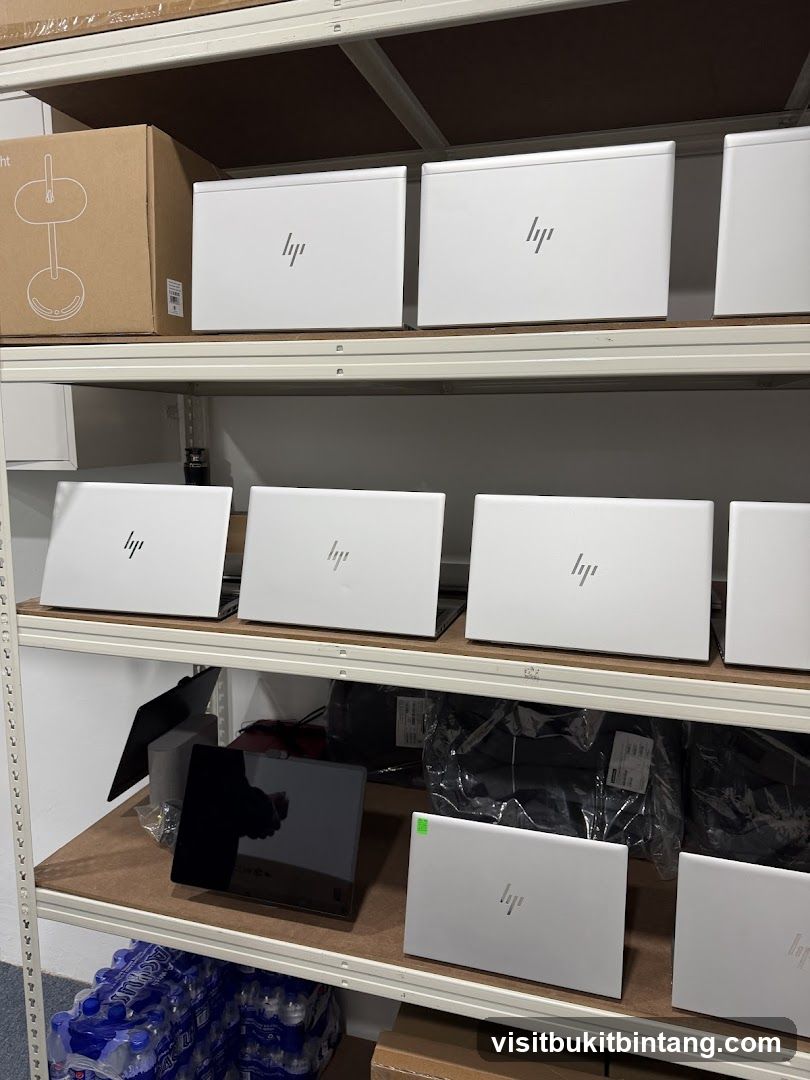
HP Laptops on Shelves
Several white HP laptops are neatly arranged on shelves in a storage area. A cardboard box with a diagram of a lamp is on the top shelf, along with more HP laptops. The middle shelf also contains HP laptops and some black bags. The bottom shelf has a black tablet, more HP laptops, and cases of bottled water.
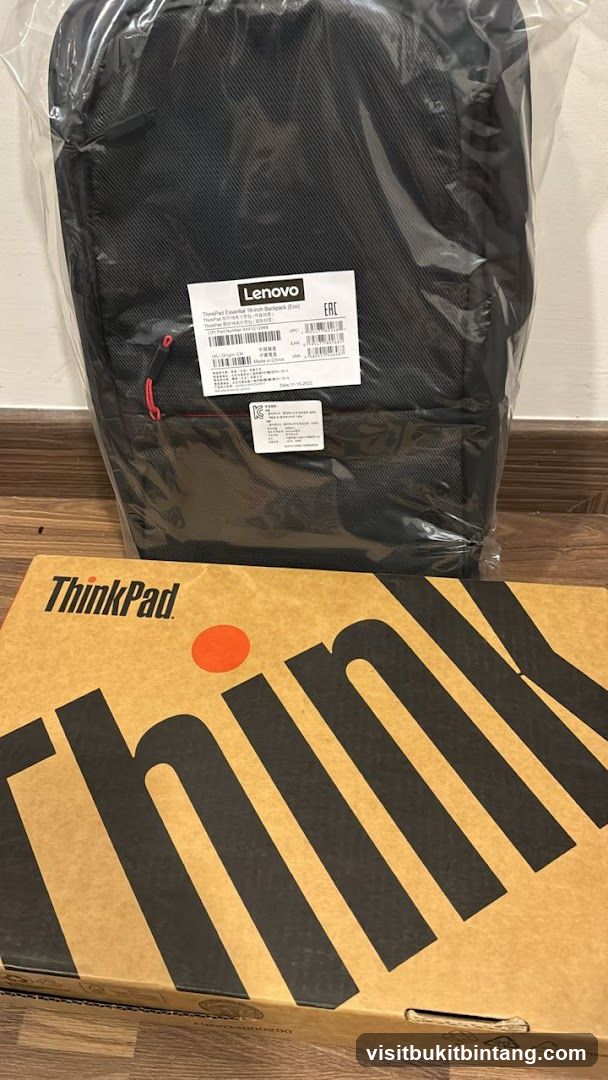
Lenovo ThinkPad Backpack and Laptop Box
A black Lenovo ThinkPad backpack, still in its plastic packaging, is shown above a cardboard box with the ThinkPad logo. The backpack has a label with product information including "Lenovo" and "ThinkPad Essential 16-inch Backpack (Eco)". The box also features the "ThinkPad" branding prominently.
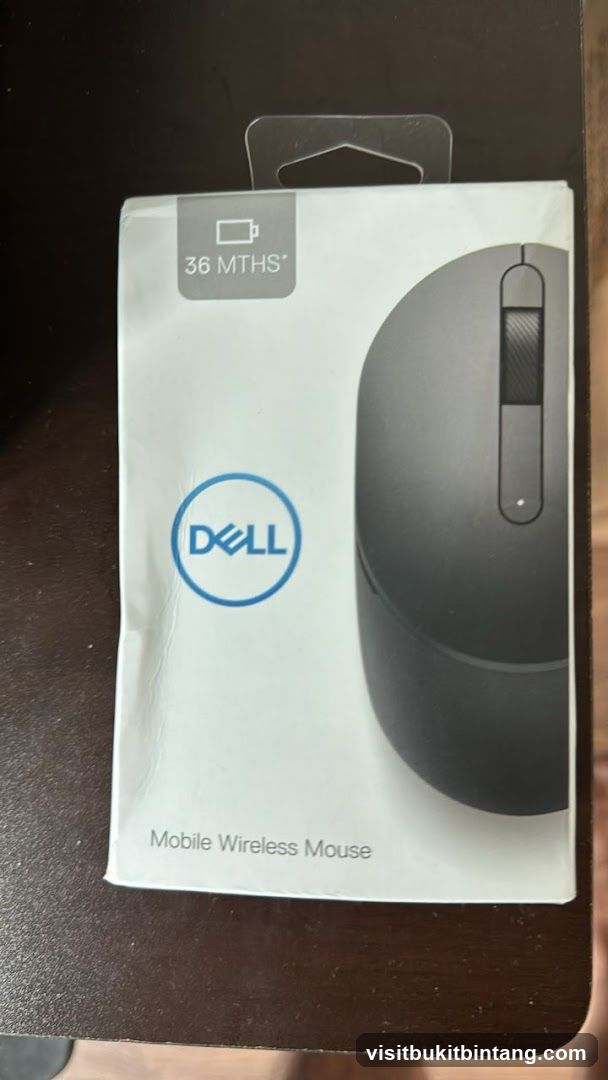
Dell Mobile Wireless Mouse Packaging
The image shows the packaging for a Dell Mobile Wireless Mouse. The packaging is white with the Dell logo in blue. A graphic of the mouse is visible on the right side of the box. Text indicates "36 MTHS" battery life and "Mobile Wireless Mouse".
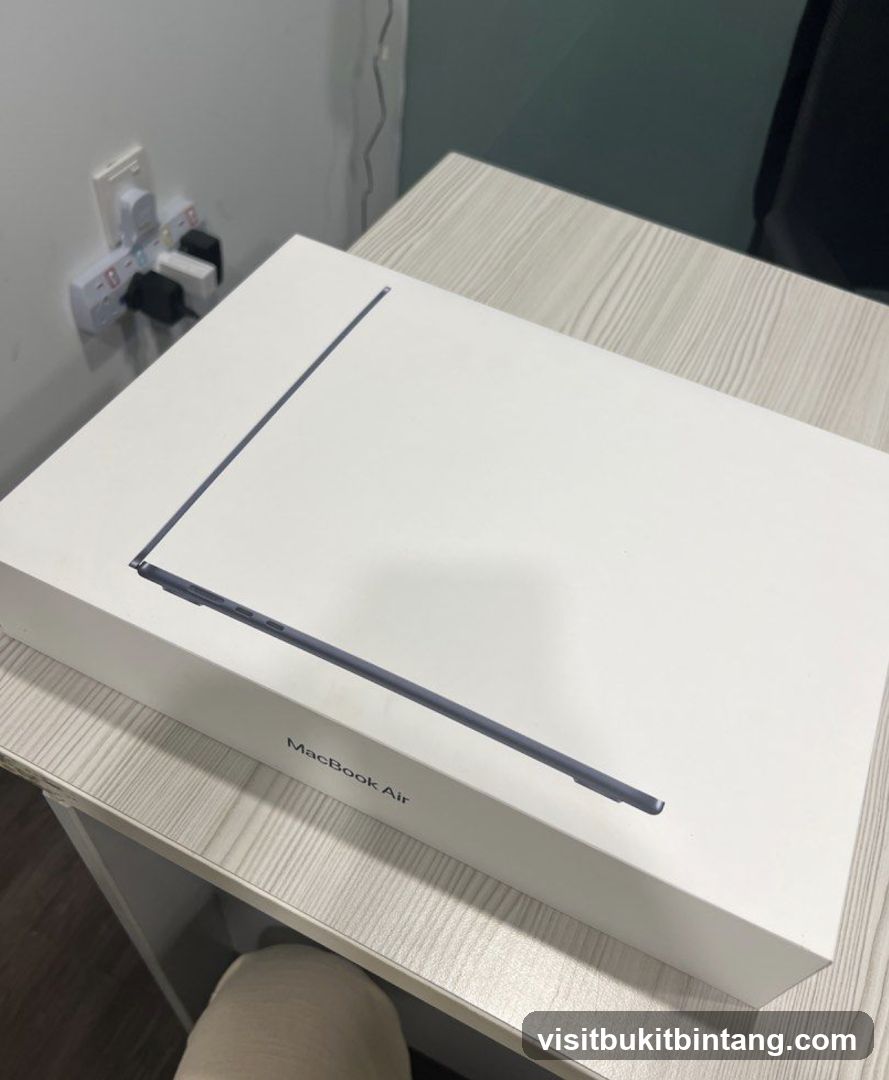
MacBook Air Box
A white box with a graphic of a MacBook Air laptop on it. The text "MacBook Air" is visible below the graphic. The box is on a light-colored wooden table. In the background, a white wall with a power strip and a dark green wall are visible.
Nearby Shops
Happikiddo @ Publika
Happikiddo @ Publika - children's retailer at Publika Shopping Gallery.
View Shop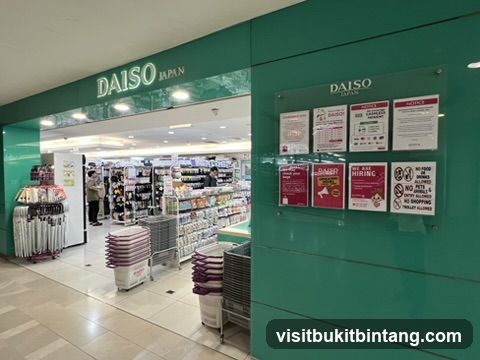
DAISO Publika Solaris Dutamas
DAISO Publika Solaris Dutamas - Japanese variety store at Publika Shopping Galle
View Shop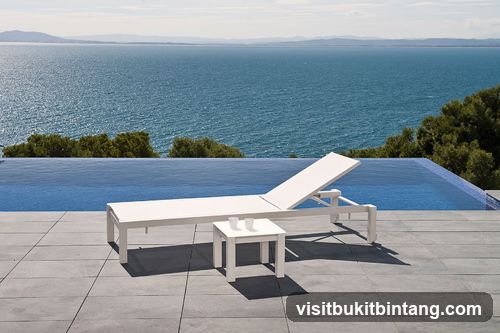
Casa Bella Designs - Teak wood & Wicker Furniture
Casa Bella Designs - teak wood and wicker furniture retailer at Space U8.
View Shop